
 Spelling/Grammar Checking
Spelling/Grammar Checking
Shelter Pro in itself is not a word processing application. To provide spelling/grammar checking it's necessary to rely upon a true word processing application to perform this function. This is where Microsoft Word comes into play. For spelling/grammar checking functionality, it is necessary for Shelter Pro to have MS Word accessible. Typically this means that Word must be installed on your computer.
Let's see an example
Before spell check:
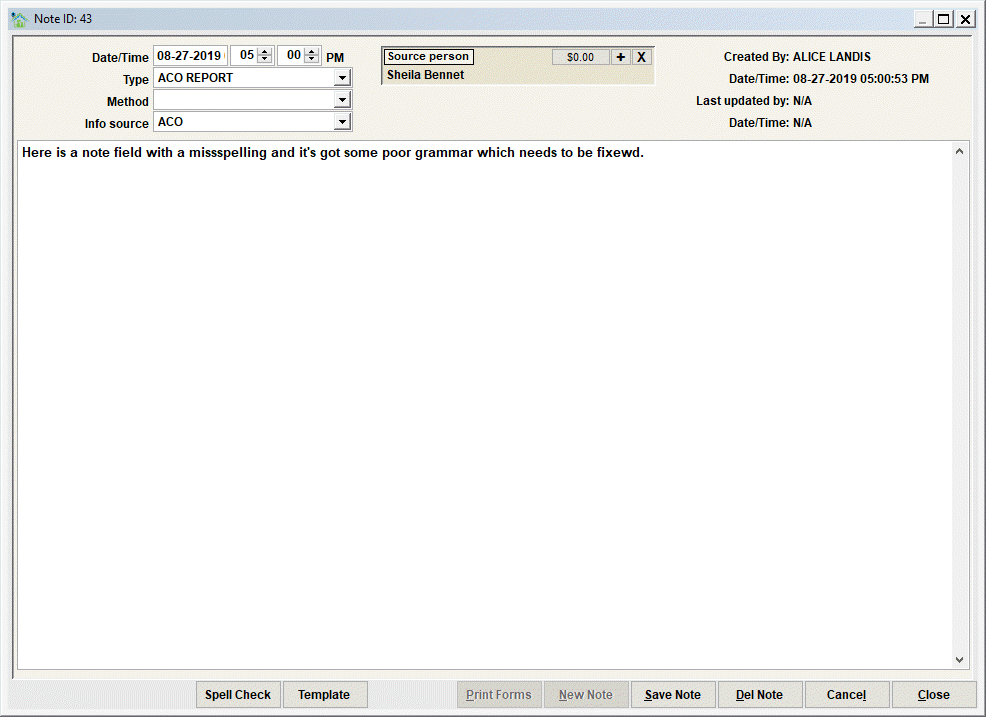
Next step - click 'Spell Check'
This step will automatically start Word on the computer and do the following:
- Pass the note content to Word (think copy/paste the note into Word);
- Initiate Word's spelling and grammar checking function. This will walk the user through the correction process in the same way that this function would occur if the user had manually started the 'review' process in Word.
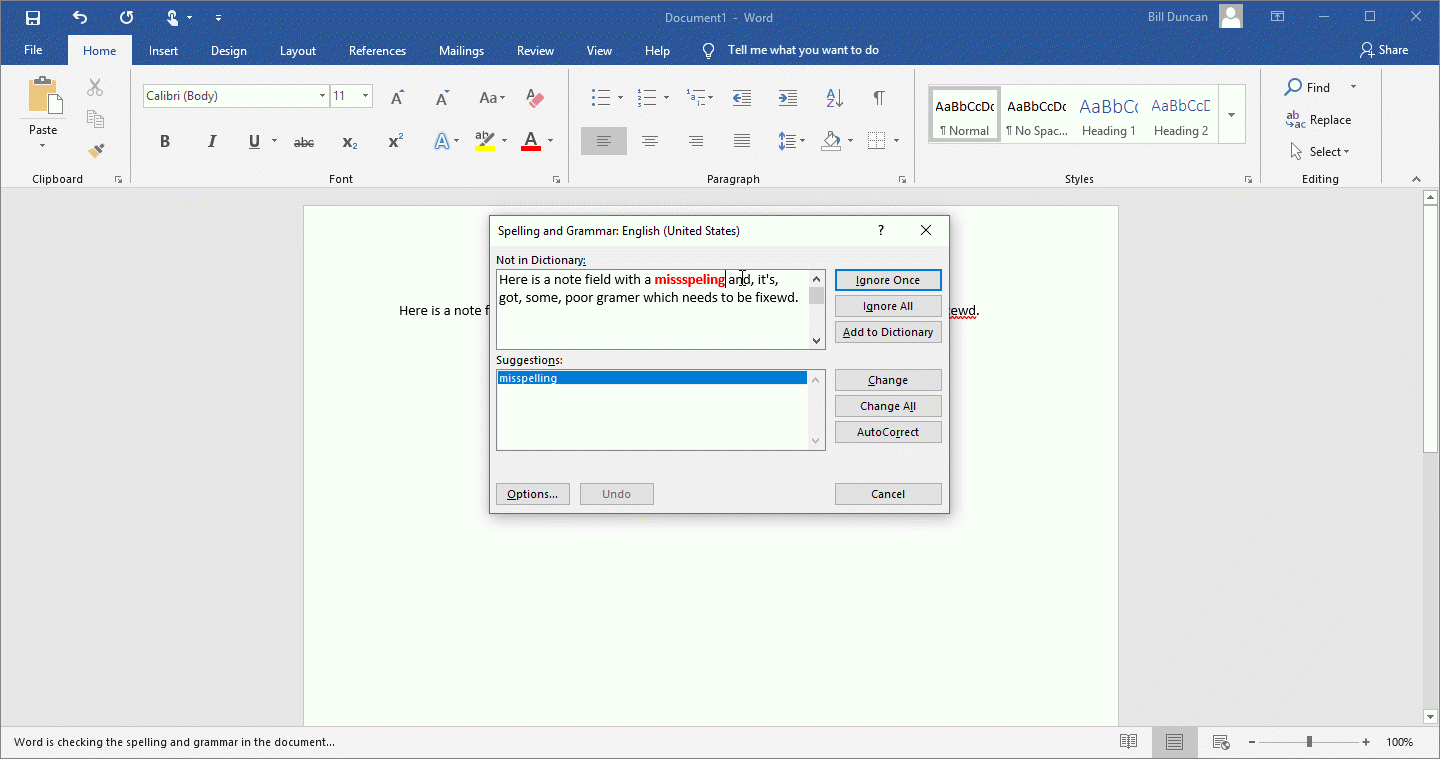
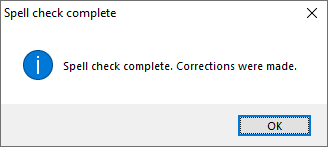
- When the corrections are complete and the user exits Word the corrected note will be sent back to Shelter Pro (essentially this is automated copy/paste steps without all the usual manual steps!) and a message will appear:
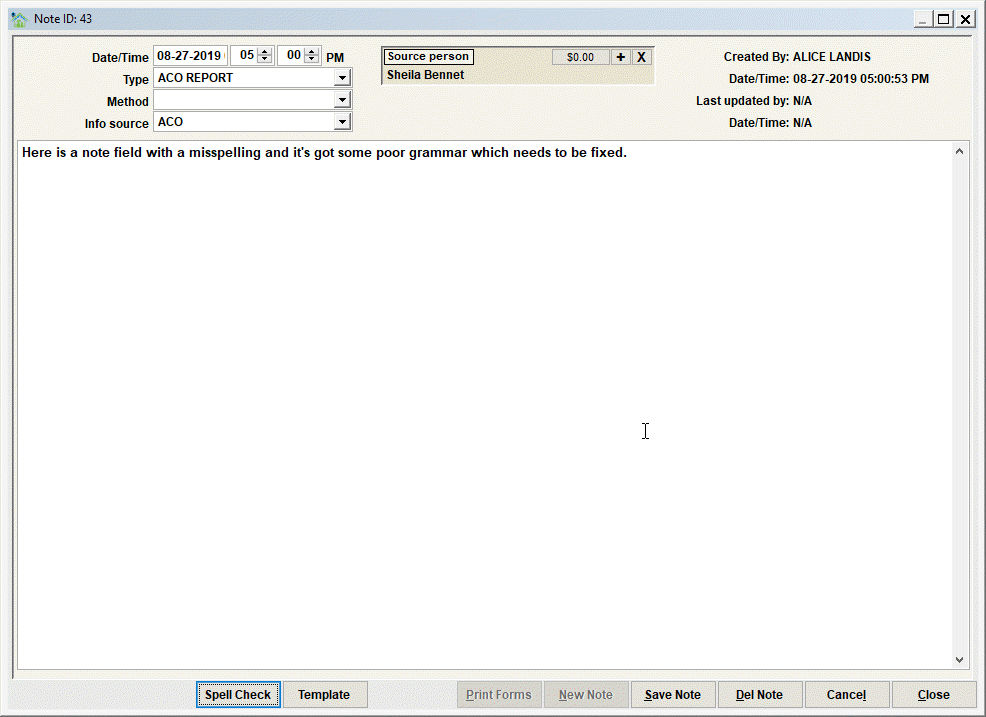
- And here's the corrected note back in Shelter Pro:
Next Topic
Comment or report problem with topic