
 Logging In
Logging in
After launching Shelter Pro from your desktop, the login screen will be shown.
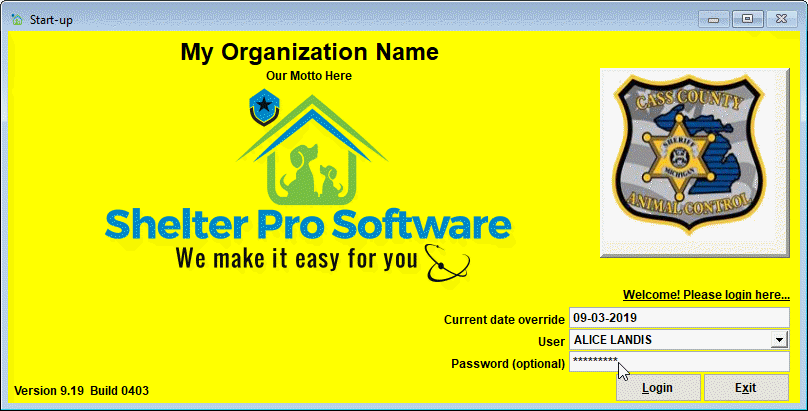
To login:
- Select your name in the user list. Note that you may need to type in a User ID if your Shelter Pro is configured to require User IDs rather than selecting user names from a list;
- Enter your password and click Login;
Once logged in you will have access to The Main Menu
Next Topic
Comment or report problem with topic