
 Incident View - Animal Involved
The Animal Involved tab is where any animal(s) involved in the incident are connected to the incident. If there are no identified animals involved then this tab/list can be left empty. In our basic example this incident has one animal involved, Terry the Airedale Terrier. There can be multiple animals involved on any given incident.
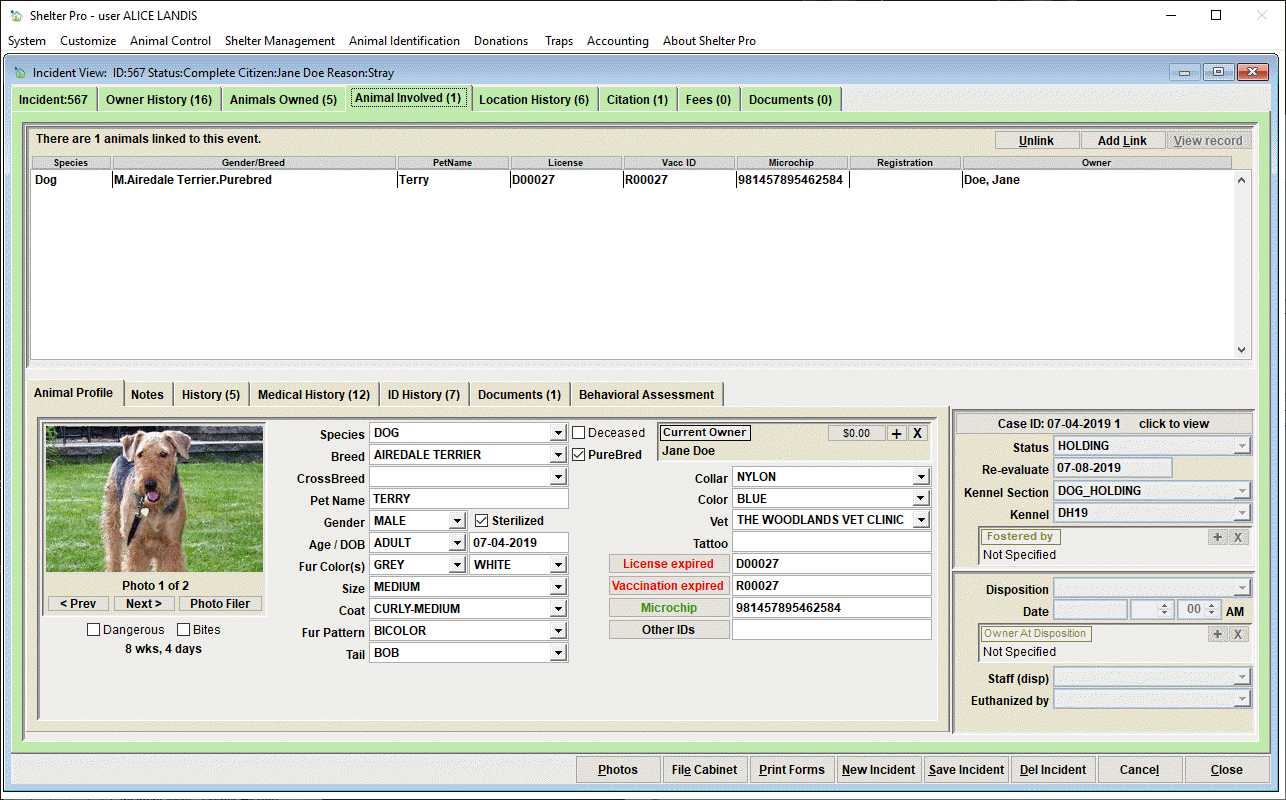
Add Link button

This short-cut button will allow you to link an animal to the incident. The process will launch the Animal Database Deep Search where you will enter known information to determine if the animal already exists on the database. On this search screen you will be able to select New Animal to create a new animal record 'from scratch' and input the known profile information on this new record.
Unlink button
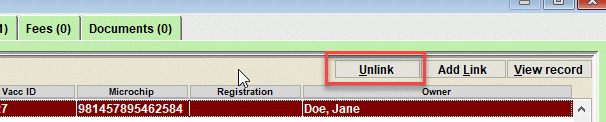
This short-cut button will cause the selected animal to be unlinked to the Incident under the Animal Involved tab.
The Animal View
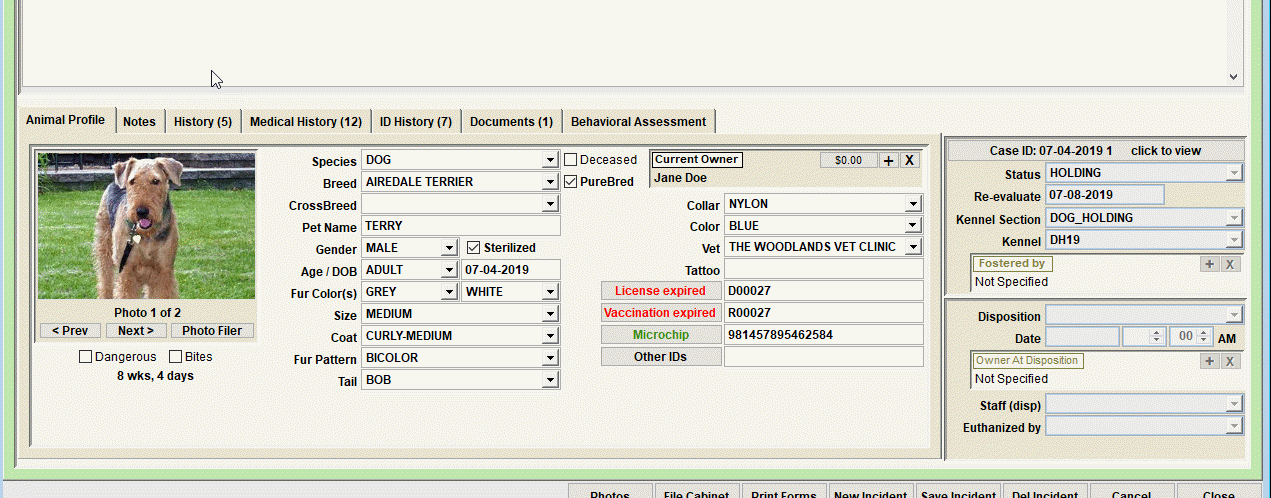
When any animal in the Animal Involved list is selected (clicked) the animal view will show the animal. The view will show the common tabs typically shown with an animal record (Notes, History, Medical, etc.). Additionally, the animal's profile information can be updated on this view.
ANIMAL IDENTIFICATION MODULE INTEGRATION
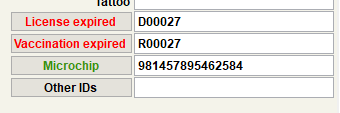
Notice that the animal's records from the Animal Identification Module are accessible from this view. This is one of the many integration features in Shelter Pro as the Animal Control and Animal Identification Modules are 'talking' with each other.
Shelter Module Case View Integration
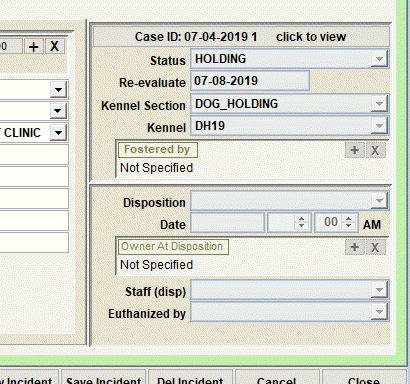
Notice that an animal involved which was also impounded can and should have a connected Shelter Management Module Case record. This is one of the many integration features in Shelter Pro as the Animal Control and Shelter Modules are 'talking' with each other. The abbreviated view of the shelter case record shows the animal's current status and disposition information. Notice that the button (Case ID: 07-04-2019 1 click to view) can be clicked to load the Shelter Case record for more in depth usage.
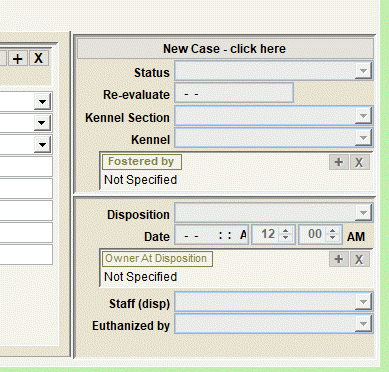
This sample shows what the shelter 'case view' will look like if a selected pet does not have a connected shelter case record. Notice the 'New Case - click here' button, which indicates a shelter case record for the animal has not been created. If clicked, this button will create a new shelter case record, transfer relevant information from the incident to the shelter case, and cause the new record to be automatically connected to the Incident record.
Next Topic
Comment or report problem with topic