
 Linking persons to events
Linking a person to an event
IMPORTANT LEARNING
Before adding a new person, search the person database first to make sure the person does not already exist.
Having the same person on the database multiple times is possible, but not desirable because one person can be linked to several items. If the same John Smith is on the database twice, and each occurrence is linked to two or more separate events, the Event History will not reflect his entire history properly as the historical records could be linked to either of the two John Smith persons.
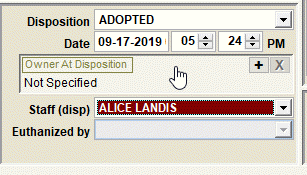
When you need to link a person to an event, the first step is to click the link box. In this example, clicking anywhere within the 'Owner At Disposition' box will initiate creating a link to a person on the Person Database.
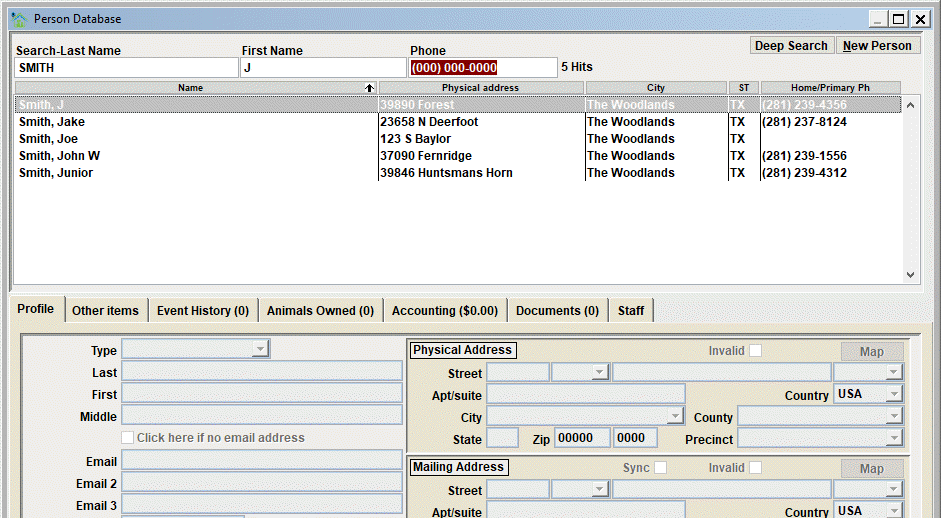
Next, the Person Database window will open. From there you can search the person database to determine if the person already exists, or add a NEW PERSON if appropriate.
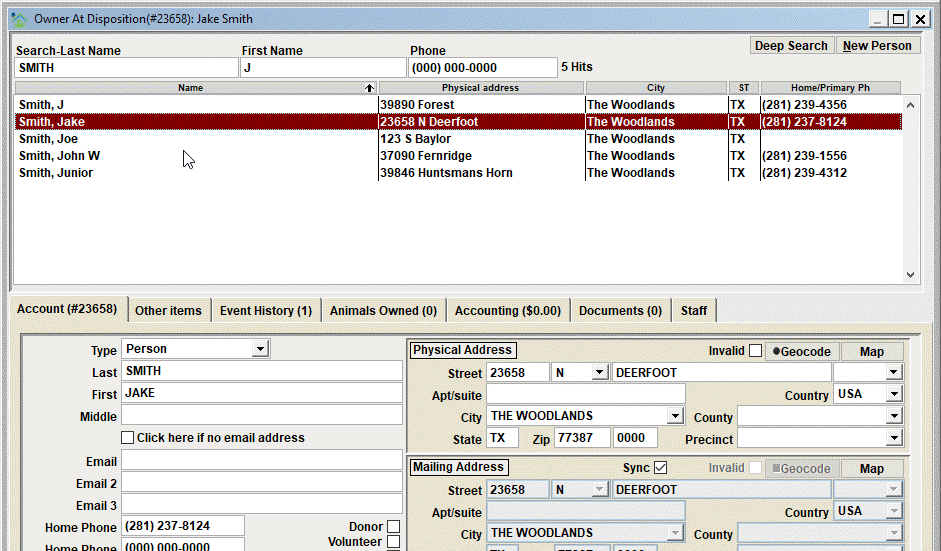
If the person is found, simply double-click the person to position on their record. In this example, we click Jake Smith in the list and notice how Jake Smith's person record is loaded and could be updated (if appropriate). Check the data, update and save if necessary. Then click Close to finalize the link.
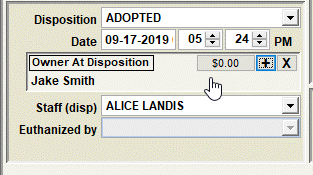
When the Person Database window is closed, the event window will be shown and the linked person's name will show.
Next Topic
Comment or report problem with topic