
 Trap - Fees
Trap Usage Records - Fees
The Fees tab will show any Trap Rental Fees or Deposits (aka Accounting Module Charges) associated with trap rentals.
Typically, fees (aka charges) are automatically posted through Shelter Pro customization of the accounting module. The charges can vary by things such as the Trap Deposits, Traps Sizes, Trap Rental-Expected Days, etc. Some common examples of Trap Rental fees would include, but are not limited to:
- Trap Rental - Deposit
- Trap Rental Fees (Per day, Flat Rate, Per Unit, etc.)
- Trap Rental Late Fees
Manually posting fees
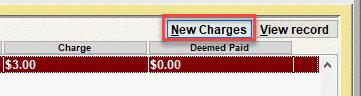
It is also possible to manually post a charge from this tab. To do this, click the "New Charges" button.
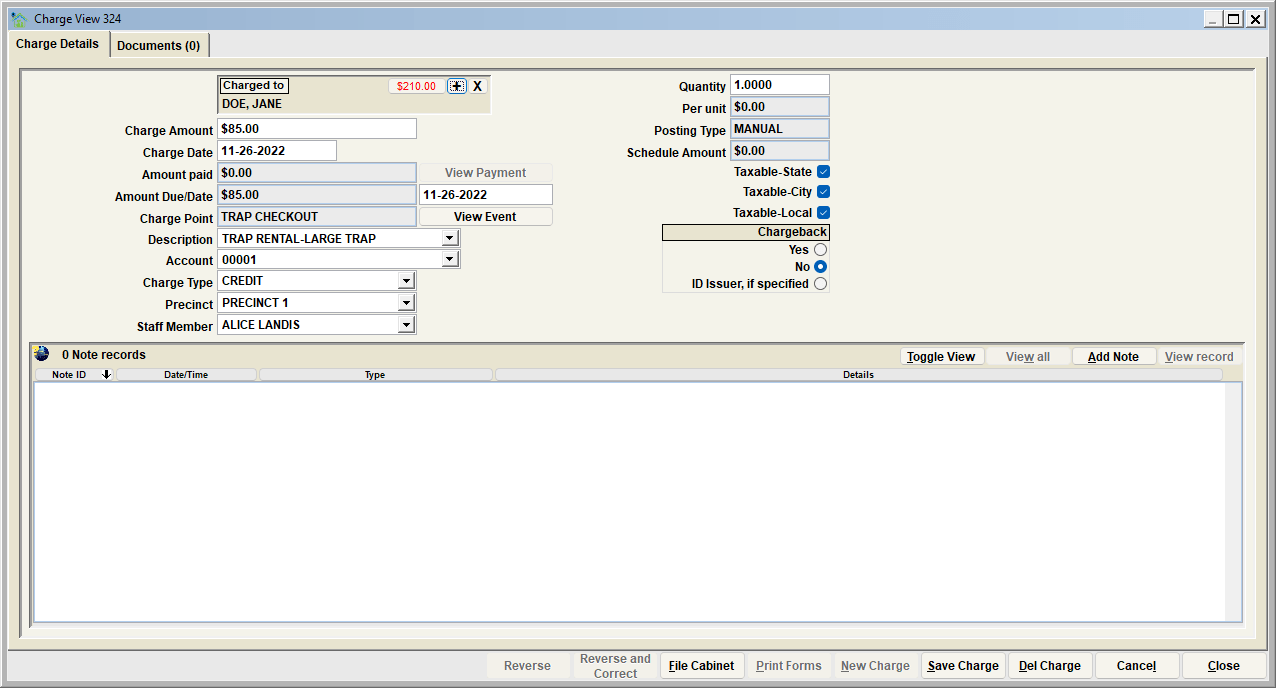
You will be taken to the Charge View, where the charge information can be entered and saved. The charge will be linked to the Trap Rental when the Charge View is closed.
Deemed Paid
Also, note that the amount deemed paid will be shown next to each charge.
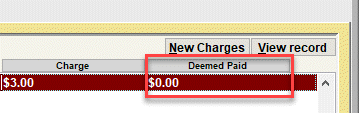
Most often, fees are charged, and 100% paid when a final process has been completed (such as renting a trap and the citizen pays their trap rental fee before leaving with the trap). If a fee is paid in full, the Charge amount, and the Deemed Paid amount, will be equal. If a particular fee has not been paid or is partially paid, the deemed paid column will show an amount that does not equal the Charge amount.
NEXT TOPIC
Trap - Documents
Comment or report problem with topic