
 Person Merge
Person Merge
The Person Merge function is used to merge (combine) the history for one person with the history of a second person. The primary intention of this function is to combine two duplicate persons on the Person Database into one single person record.
To access the Person Merge function, select SYSTEM, then PERSON MERGE from the main menu. Note that this function may be inaccessible from the menu if your User Administration rights do not allow the Person Merge function.
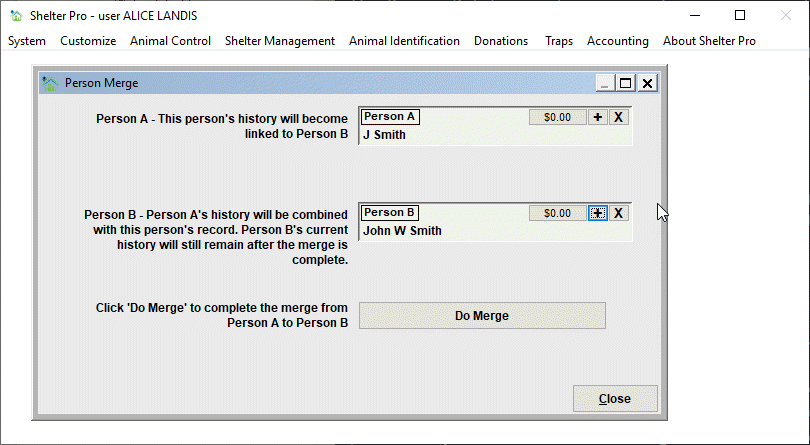
In the sample above, "Person A" is the redundant/duplicate person record of "Person B". In other words, the same person is on the Person Database twice. In this example, we want to combine (merge) the history of Person A so that the history will be linked to Person B.
When the 'Do Merge' button is clicked, the historical records will be merged from Person A to Person B. Upon completion, the Person A record will still exist on the Person Database. However any history that previously existed will be gone as it would have been moved to Person B.
In most cases, Person A should be deleted from the Person Database after the merge is complete. This step is necessary to completely delete the duplicate from the database and to avoid the possibility of new events becoming connected to Person A.
Note that Person A's address information is not migrated to Person B with this process.
Next Topic
Comment or report problem with topic