
 Mapping
The 'Map' button
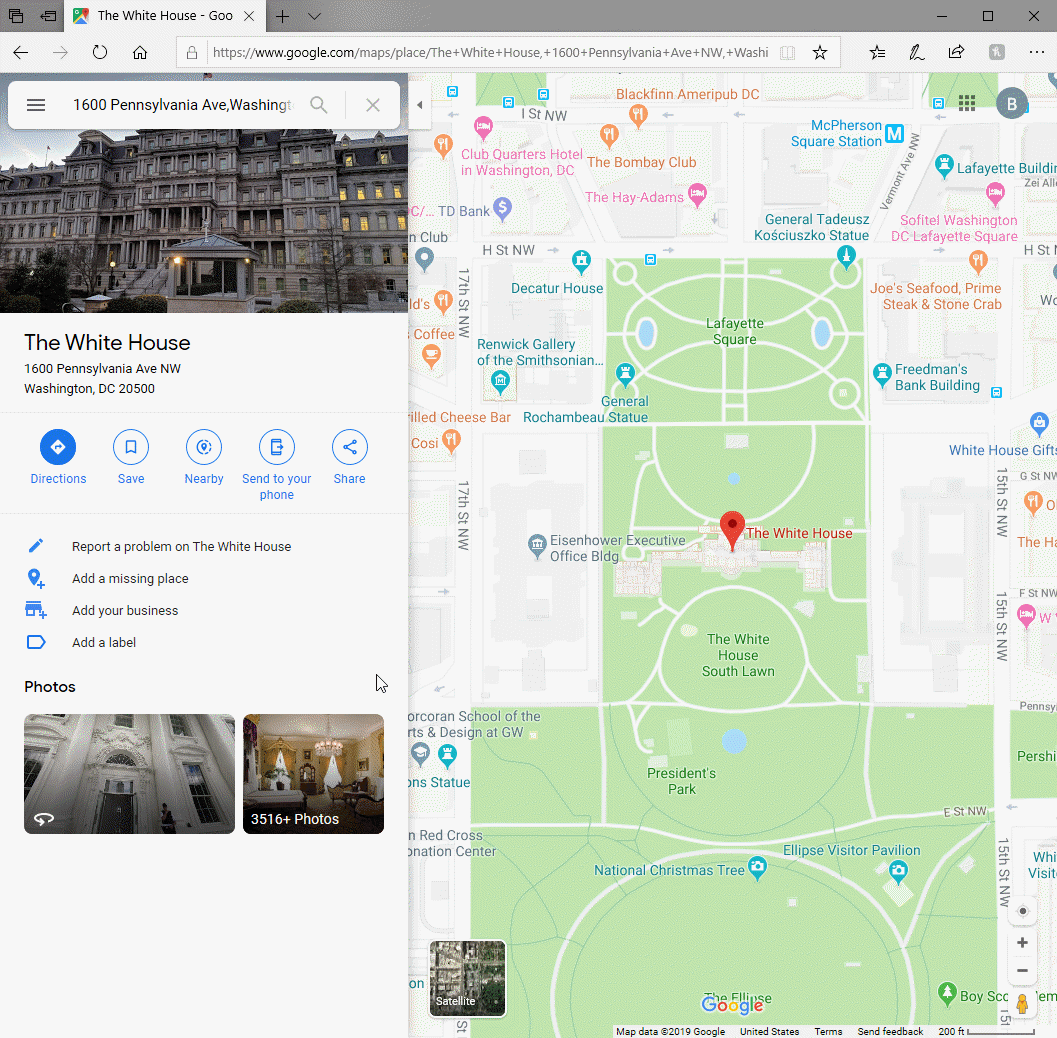
The MAP button causes the address to be displayed using Google Maps.
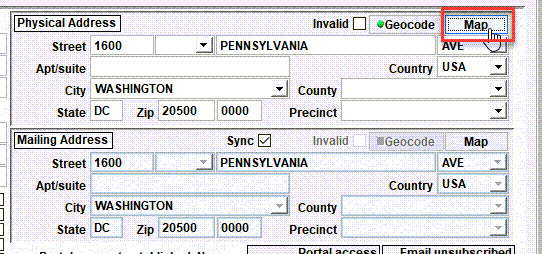
Tip - For this button to be visible, the mapping feature must be enabled on your Shelter Pro. To change this setting see CUSTOMIZE/GENERAL INFORMATION/ADDRESSES and look for the 'Address Mapping' setting.
When the MAP button is clicked, Shelter Pro will call Google Maps and load the address into your web browser. From there you can use the interactive features provided by Google, including creating driving directions.
Next Topic
Comment or report problem with topic