
 My Shelter Pro
My Shelter Pro allows each user to have their own user profile for their Shelter Pro sessions. To access this feature, select System/My Shelter Pro from the main menu.
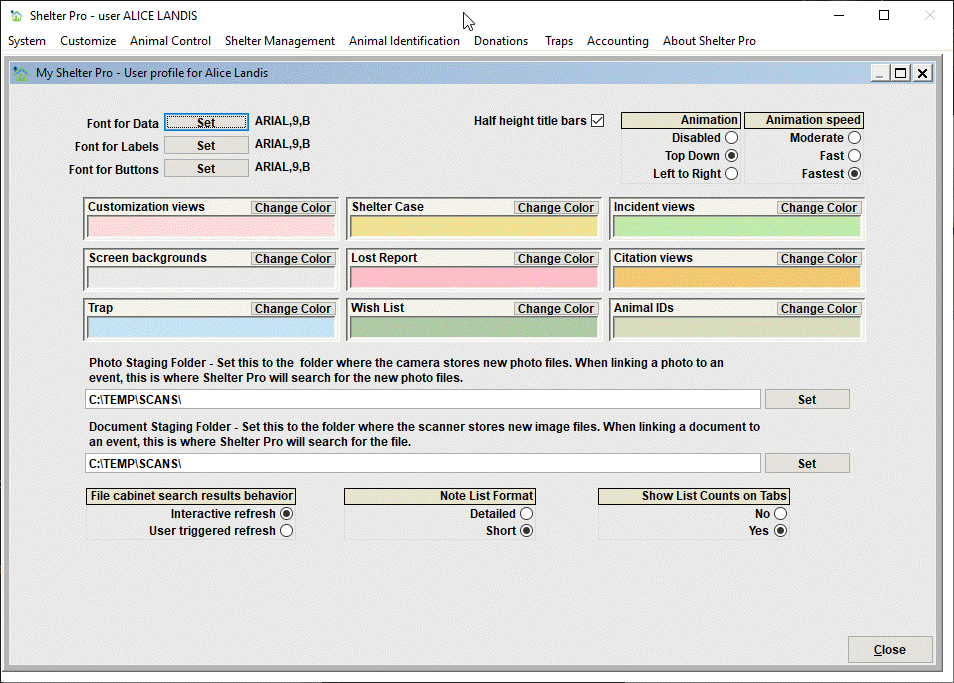
Notice the user name is shown in the title box of the My Shelter Pro window. Our sample shows that we are viewing the user profile for Alice Landis. When a setting on this screen is changed, it only affects the user session of the specified user. In other words, when Alice Landis logs into Shelter Pro, this screen shows the various settings that will affect how her session behaves. Alice's settings do not affect other Shelter Pro users in any way.
Next Topic
Comment or report problem with topic