
 Printing Person Batch Forms
Printing Person Batch Forms
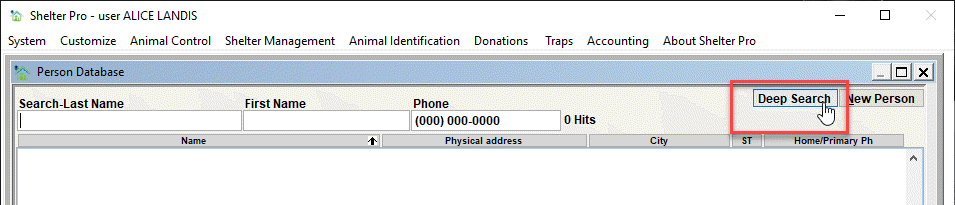
If needed, you can print form letters for a targeted group of persons on your person database as a 'batch'. To do this, use the Person Database Deep Search. You can access this from the Person Database by clicking the Deep Search button.
On the Person Database Deep Search window, enter the search criteria to get the persons to receive the form letters. In this example, we will use the donor list. Notice the search results finds 3 person records.
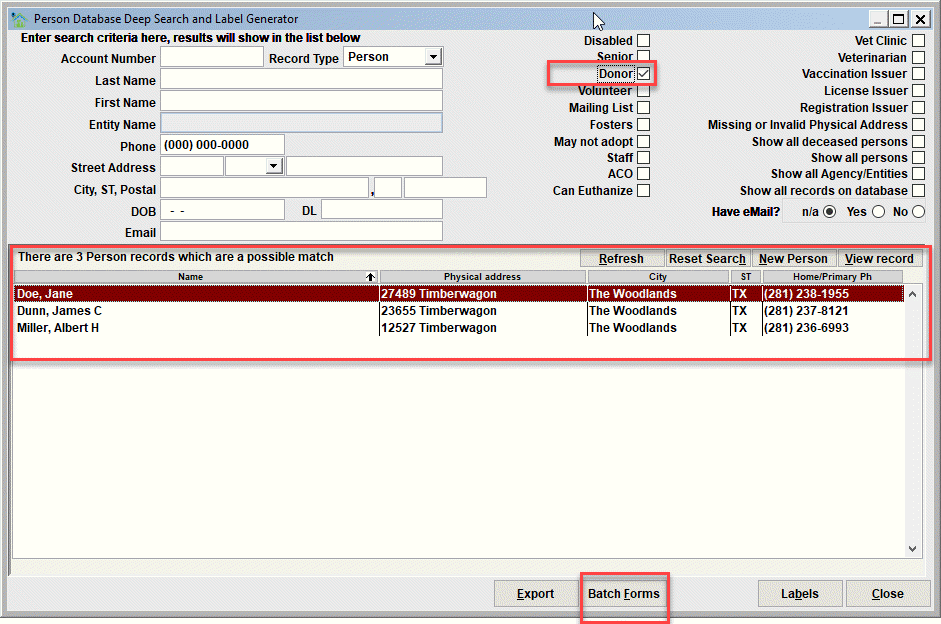
The Batch Forms button
Notice the Batch Forms button in the screen sample above. When the button is clicked you will see the Print Forms window.
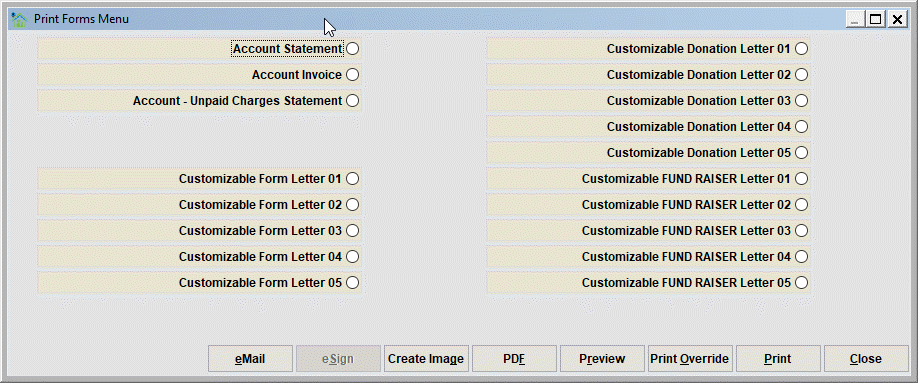
Select the desired form letter to be printed for the persons. Then you can Preview the form letters prior to print. Select Print to send the form letters to your printer.
Next Topic
Comment or report problem with topic