
 Customize Shelter Management (Shelter Pro Portal)
The Shelter Management tab
Use this tab to customize functionality for handling features related to the Shelter Management module.
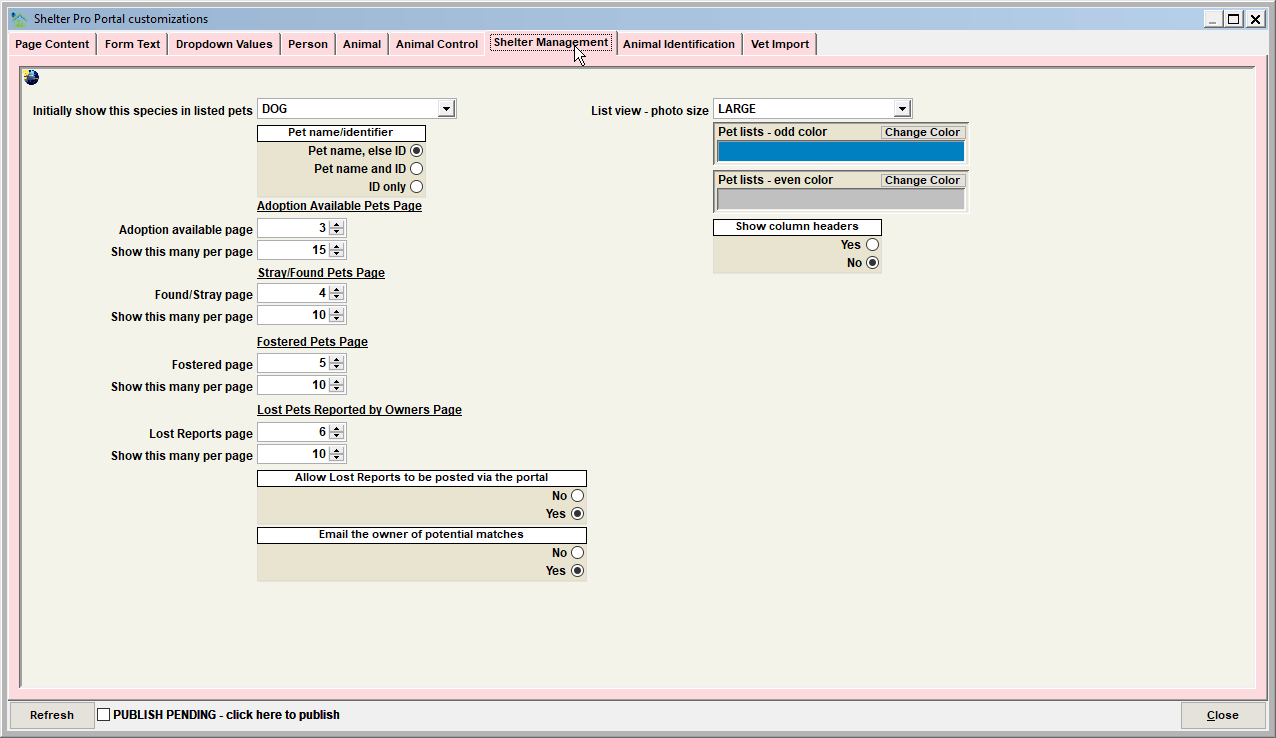
Initially show this species in listed pets

This determines which species the online pet filter will show when the website is loaded.
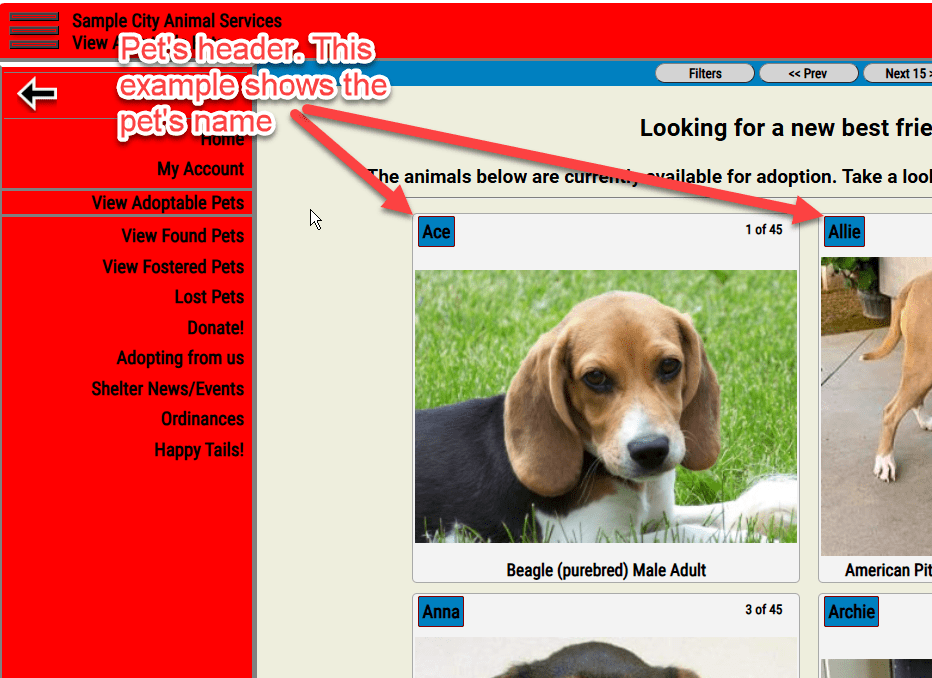
Pet name/identifier
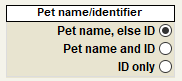
This determines what will show in a pet's header.
Adoption available page, Show this many per page
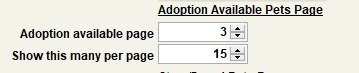
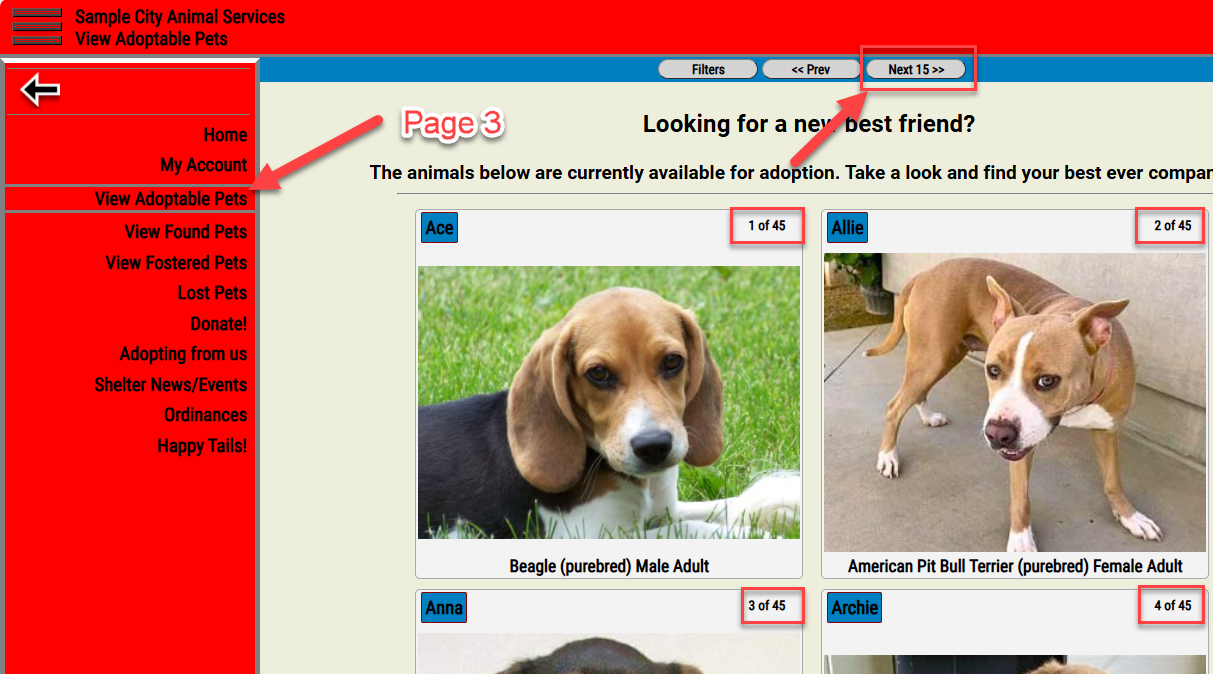
This determines which page will show open case records with a current status of ADOPTION AVAILABLE. Note that this setting is also visible on the PAGE CONTENT tab under CUSTOMIZE/SHELTER PRO PORTAL. "Show this many per page" determines how many pets will be listed on this page and where the "breaks" are where a user would need to click the "next" button to see more pets in the same status.
Stray/Found Pets Page, Show this many per page
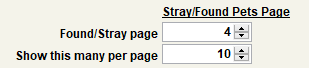
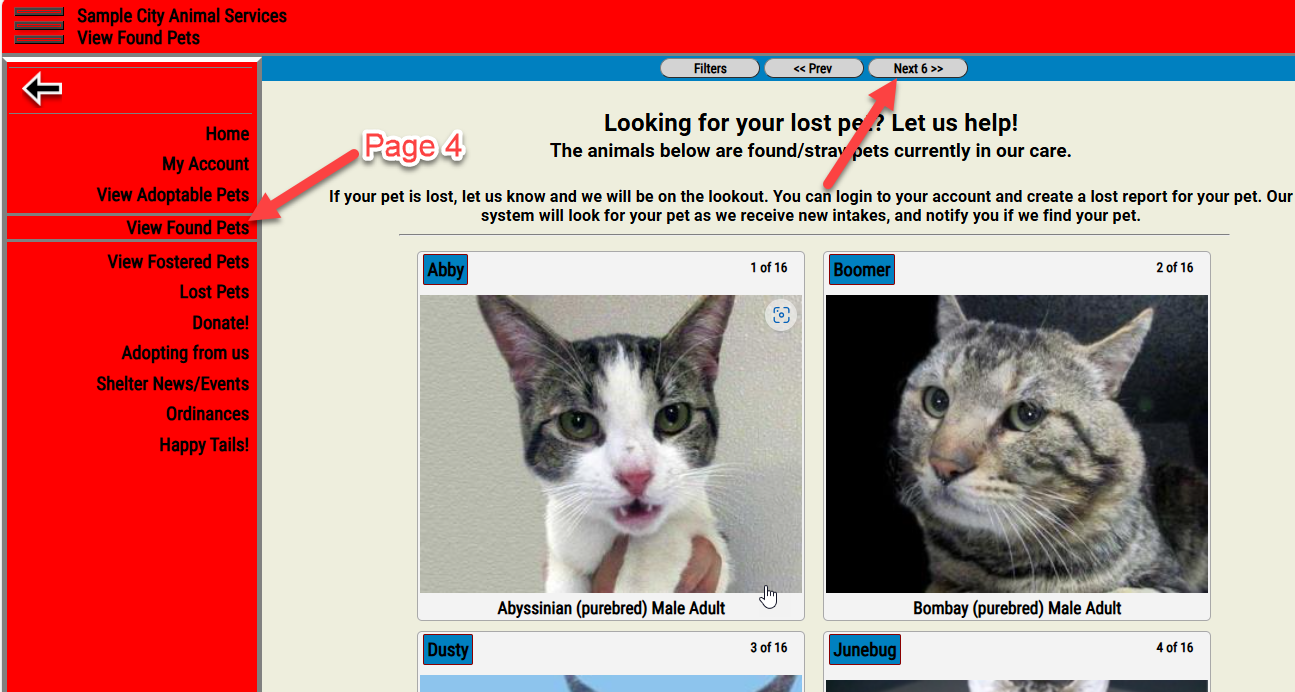
This determines which page will show open case records with a reason of STRAY, or FOUND. Note that this setting is also visible on the PAGE CONTENT tab under CUSTOMIZE/SHELTER PRO PORTAL. "Show this many per page" determines how many pets will be listed on this page and where the "breaks" are where a user would need to click the "next" button to see more pets in the same status.
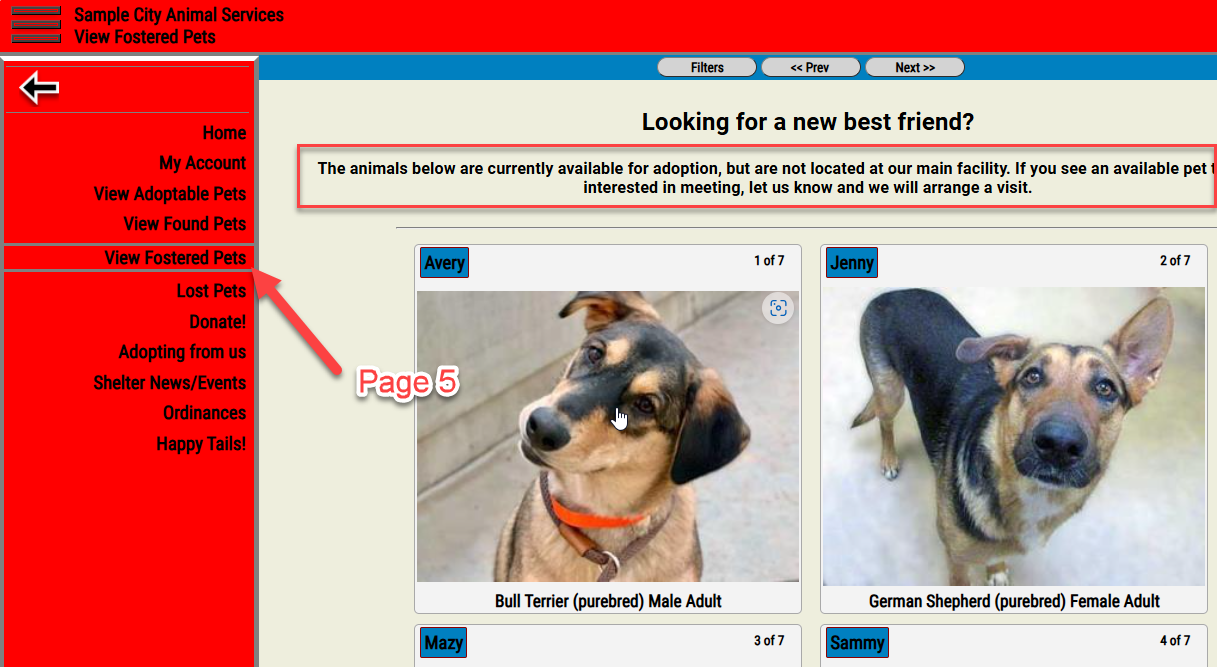
Fostered Pets page, Show this many per page
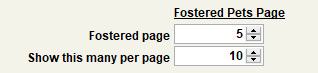
This determines which page will show open case records with a current status of FOSTERED. Note that this setting is also visible on the PAGE CONTENT tab under CUSTOMIZE/SHELTER PRO PORTAL. "Show this many per page" determines how many pets will be listed on this page and where the "breaks" are where a user would need to click the "next" button to see more pets in the same status.
Tip - if the Fostered page, and the Adoption Available page are set to the same page, then the fostered pets AND adoption available pets will be commingled on the same page.
Lost pets reported by owners, Show this many per page
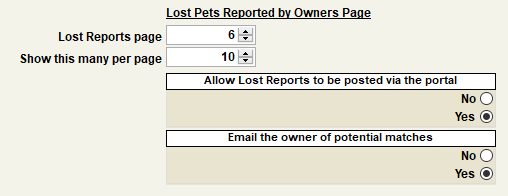
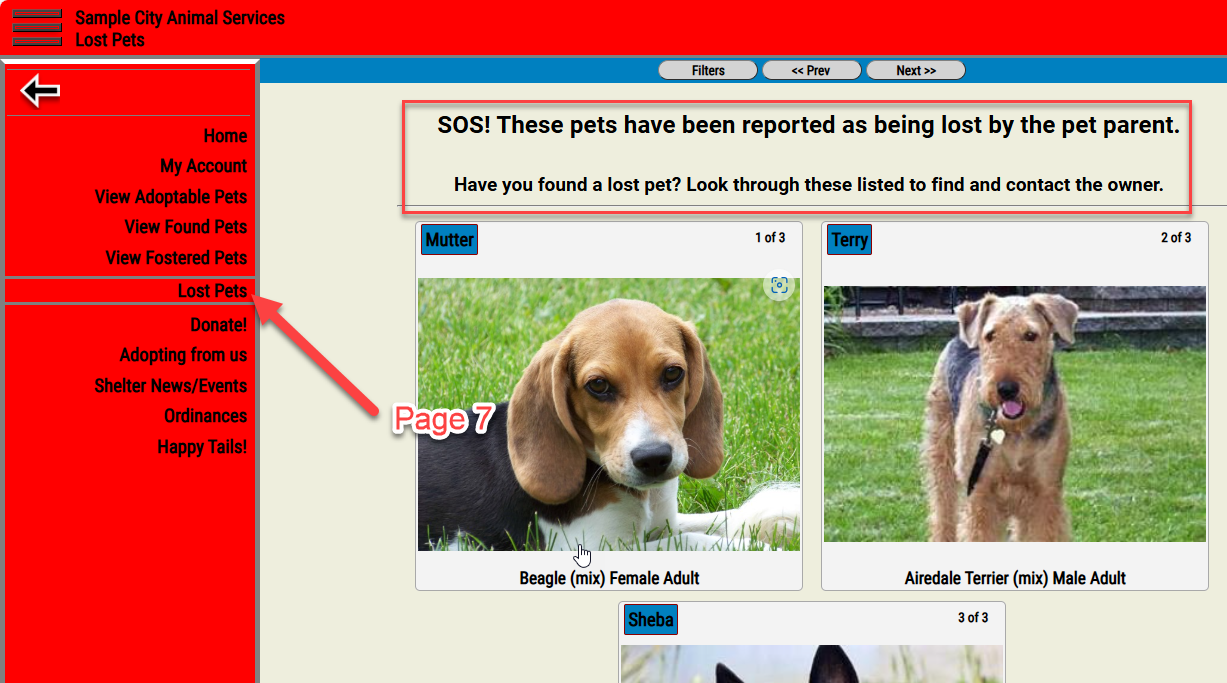
This determines which page will show open lost reports that were self-reported by the owner using the login/account. Note that this setting is also visible on the PAGE CONTENT tab under CUSTOMIZE/SHELTER PRO PORTAL. "Show this many per page" determines how many pets will be listed on this page and where the "breaks" are where a user would need to click the "next" button to see more pets in the same status.
Tip - the setting "Allow lost reports to be posted via the portal" must be set to "YES" for this setting to be relevant.
Next Topic
Comment or report problem with topic