
 Trap Reports
Trap Reports
To access the Trap Reports, from the Shelter Pro main menu, select Traps, then Reports-Traps. This report generator is used to generate reports on Trap records.
a.png)
Important foundation
For an overview of reporting basics, click Report Generators.
This will cover the topics of 'Date Range Reports', 'Status Reports', 'Grouping/Sorting', 'Additional Filters'.
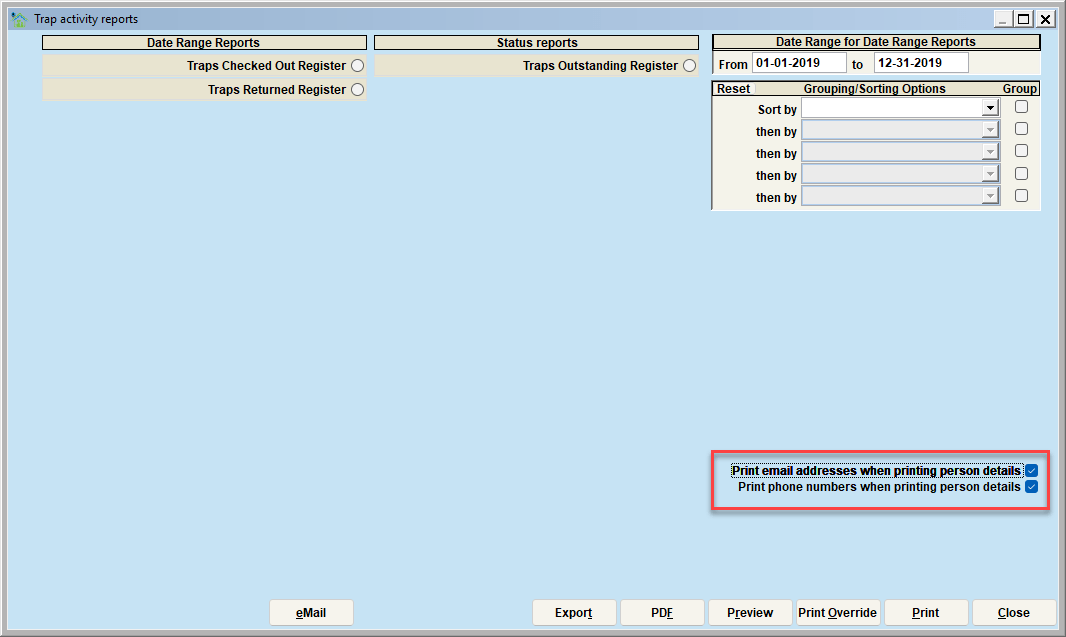
**Tip - You can select if you want the person's email address, phone number.
Date Range Reports
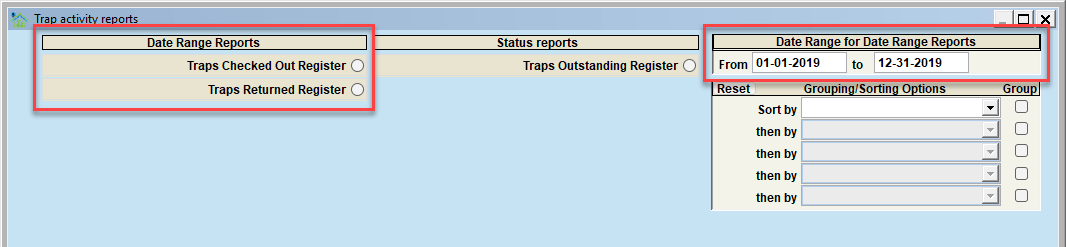
Traps Checked Out Register
This report will show all traps that are currently or have been checked out between the selected dates.
Traps Returned Register
This report will show all traps that have been returned between the selected date ranges.
Status Reports
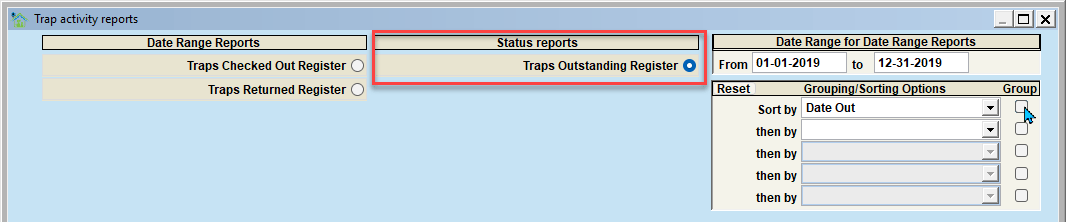
Traps Outstanding Register
This will generate a report of all traps that are listed as "Outstanding" or have exceeded the "expected return date."
Next Topic:
The Accounting Module
Comment or report problem with topic