
 Main Menu - System
Main Menu - System
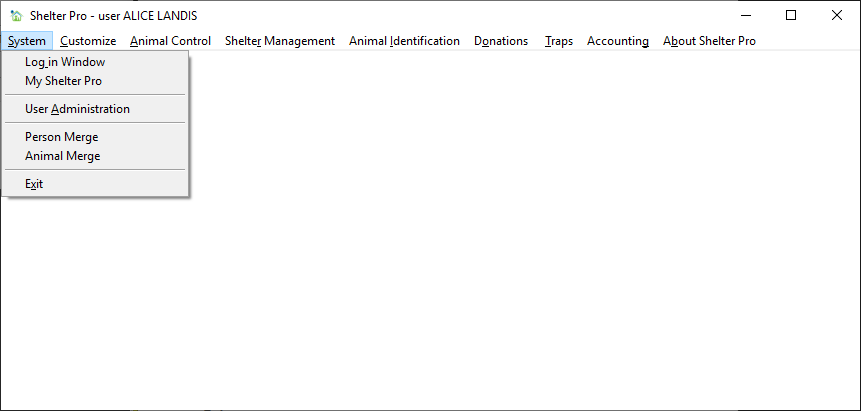
The System menu contains the following:
- Log in Window
- My Shelter Pro
- User Administration
- Person Merge
- Animal Merge
- Exit
Log in Window
Displays the login window. When this window is displayed from this menu, the user that is logged in is immediately logged off. This value of going back to the start-up window is that one user can terminate their Shelter Pro login and allow another user to login using their own credentials.
My Shelter Pro
Displays the My Shelter Pro settings for the currently logged in user. See My Shelter Pro for further details.
User Administration
Displays the User Administration features.
Person Merge
Displays the Person Merge feature for merging one or more duplicated persons into one consolidated record. See Person Merge for further details.
Animal Merge
Displays the Animal Merge feature for merging one or more duplicated animals into one consolidated record. See Animal Merge for further details.
Next Topic
Comment or report problem with topic