
 Case View - Incident
Case View - Incident
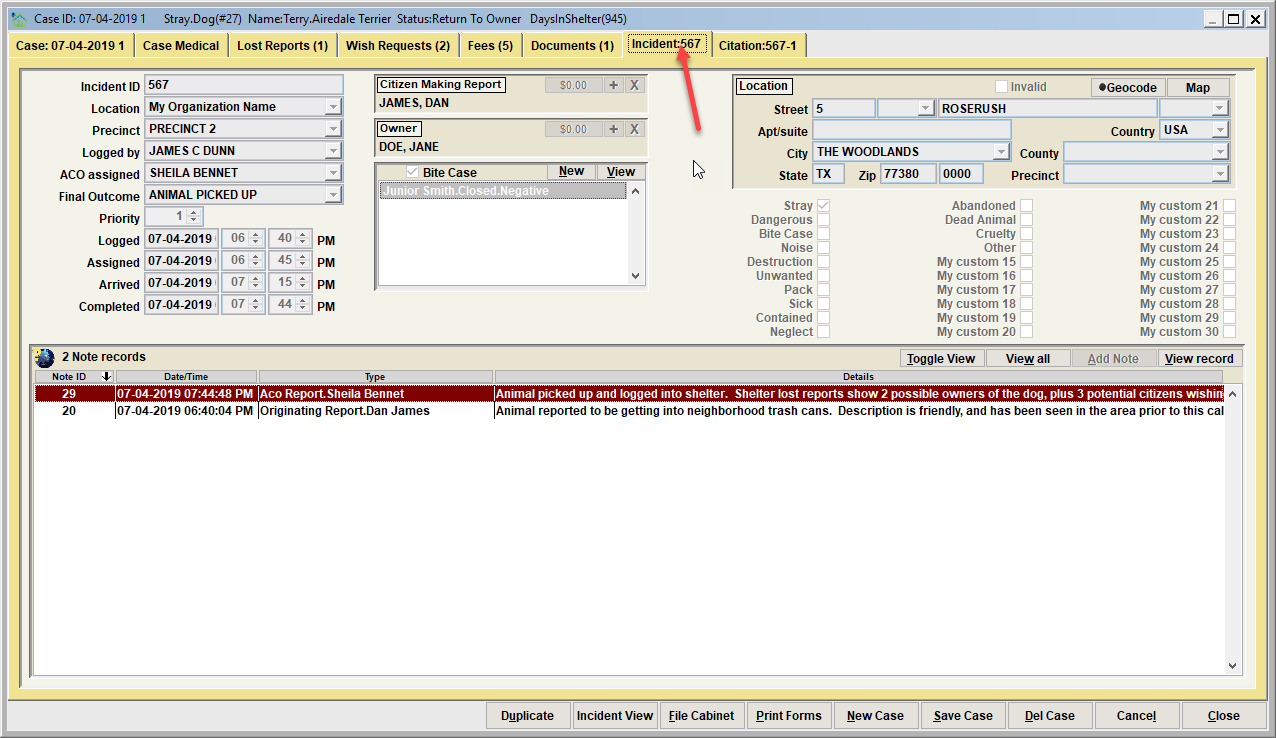
If the shelter case is connected to an Animal Control Module Incident, (for example the shelter pet is picked up and 'impounded'), the linked Incident information can be viewed on the Incident Tab. In this example, Incident 567 was an animal control occurrence where Terry (our Airedale Terrier) was picked up by an ACO as a result of being stray.
Tip - Animal Control Module Integration
Notice that the incident record from the Animal Control Module are accessible from this view. This is one of the many integration features in Shelter Pro as the Animal Control and Shelter Management Modules are 'talking' with each other. Under the Incident View/Animal Involved tab, use the 'new case' button to create a shelter case record for an animal that was impounded. For more information, see the Shelter Module Case View Integration discussion on this page Incident View - Animal Involved. Note that this tab will not be shown if the Animal Control module is not being used.
The Incident is read only
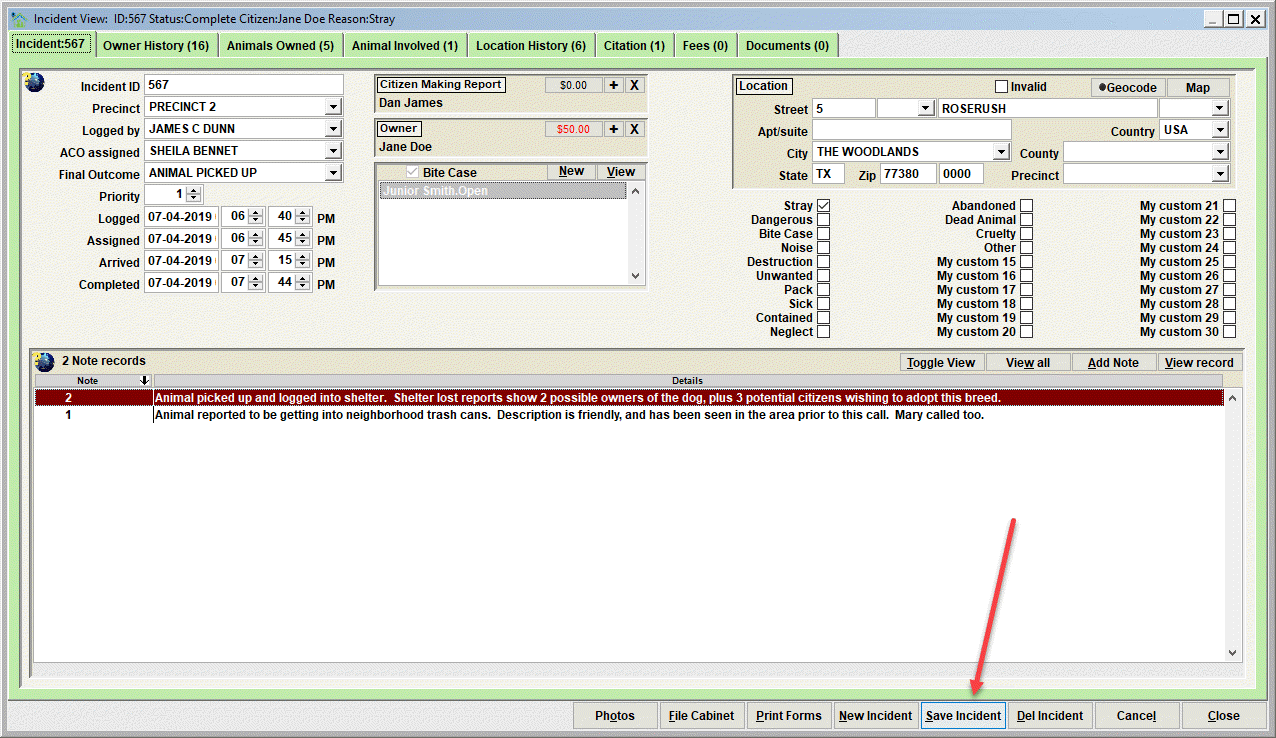
Note that this tab is read only. The information cannot be changed. If you need to edit the Incident, click the Incident View button. 
You will then be shown the Incident View, which will have its own Save button.
Next Topic:
Comment or report problem with topic