
 Customize Page Content (Shelter Pro Portal)
The Page Content tab defines the structure and general look of the site.
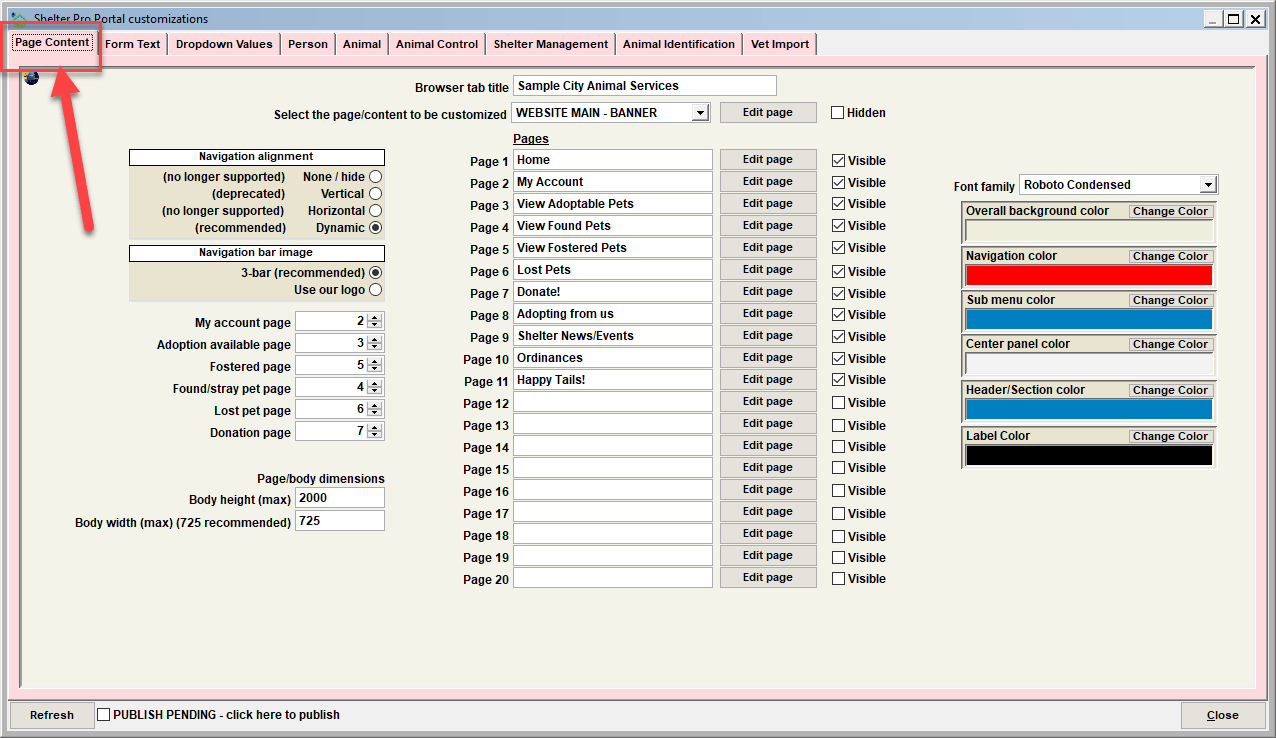
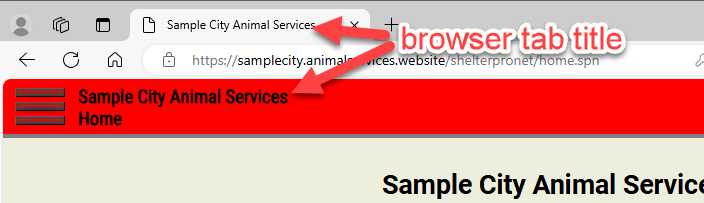
Browser Tab Title
This specifies the wording that appears in a browser's tab title when the site is loaded.
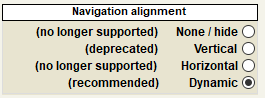
Navigation Alignment
This determines how the site menu will display and behave when viewing the site in a browser.
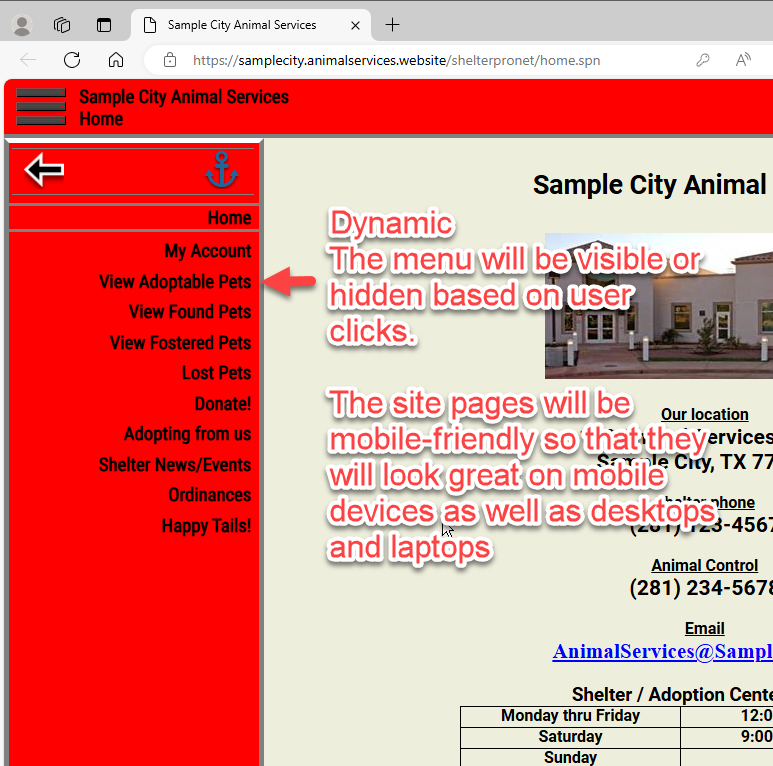
Navigation Alignment - Dynamic
It is highly recommended to use "Dynamic" so that the site presentation will be mobile-responsive. In other words, it will automatically adjust to the various devices that will be used to view the site (desktop/laptop computers, smart phones, pad devices, etc).
Navigation Bar Image
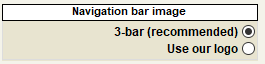
This determines how the navigation bar/menu image will appear.
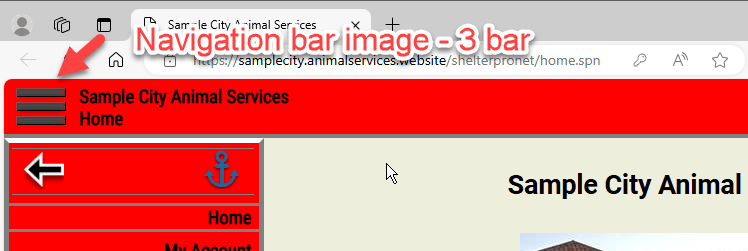
Navigation Bar Image - 3-Bar
This will show the navigation bar image as a 3-bar (aka "hamburger") image.
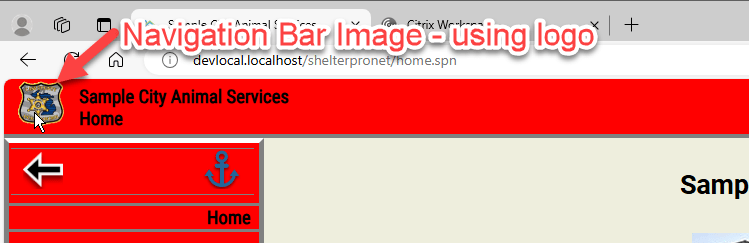
Navigation Bar Image - Use our logo
This will show the navigation bar image using the logo file image.
Pages
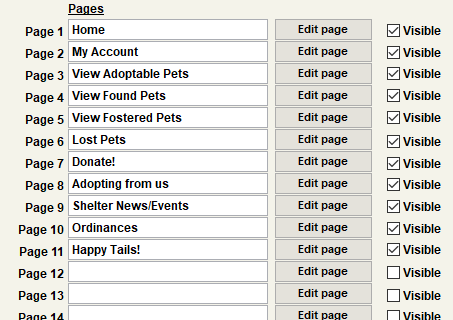
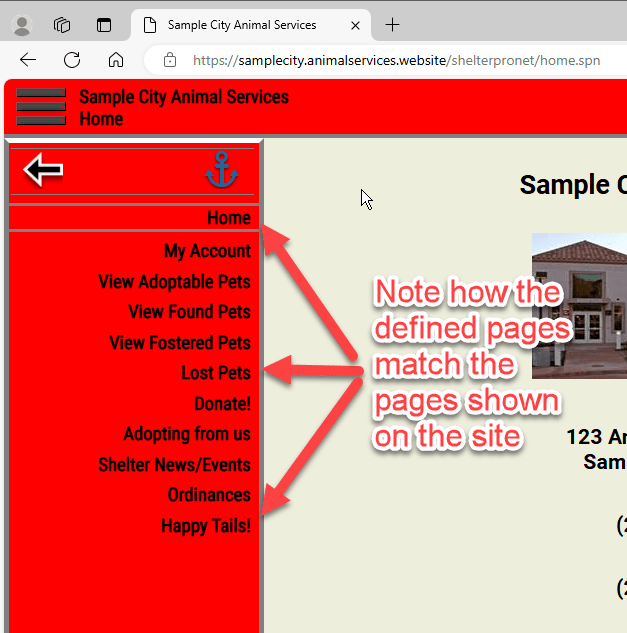
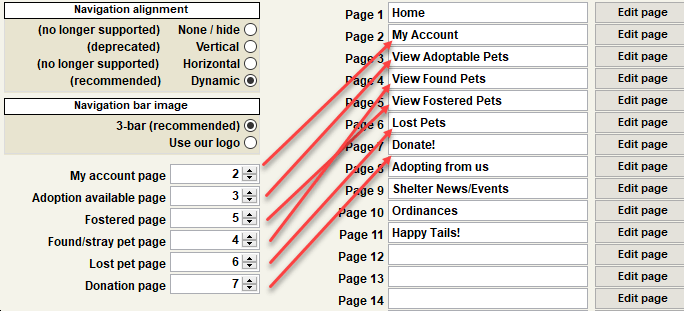
These settings determine the various page/menu titles, page visibility, and customized page content for each page that will be on the site. The site allows for up to 20 pages.
Page Visible
These switches determine if a page will be visible or hidden on the site.

Tip - a good use of the page visible switches would be to uncheck the visible indicator while a new page is in the process of being created so that it is not regularly visible on the site. For example, give the page its page title, and edit the page to start creating content. Then 'check' the visible indicator and publish the page to visualize the new page. Then uncheck the visible indicator and publish the page so it's hidden while development continues. When development of the new page is complete and ready for general visibility to the public, check the visible switch, click 'Publish Pending', and that's it!
Edit page
Use this button to edit a page's content in Microsoft Word.
See Editing a custom page for more discussion on editing custom page content for the site.
Connecting dynamic content to custom pages
These settings connect pages which have dynamic content (such as the adoption available page which is frequently updated as pets arrive and exit) to their appropriate custom page.
Font and Colors
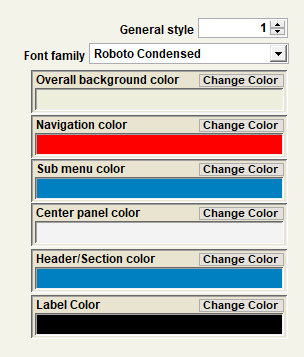
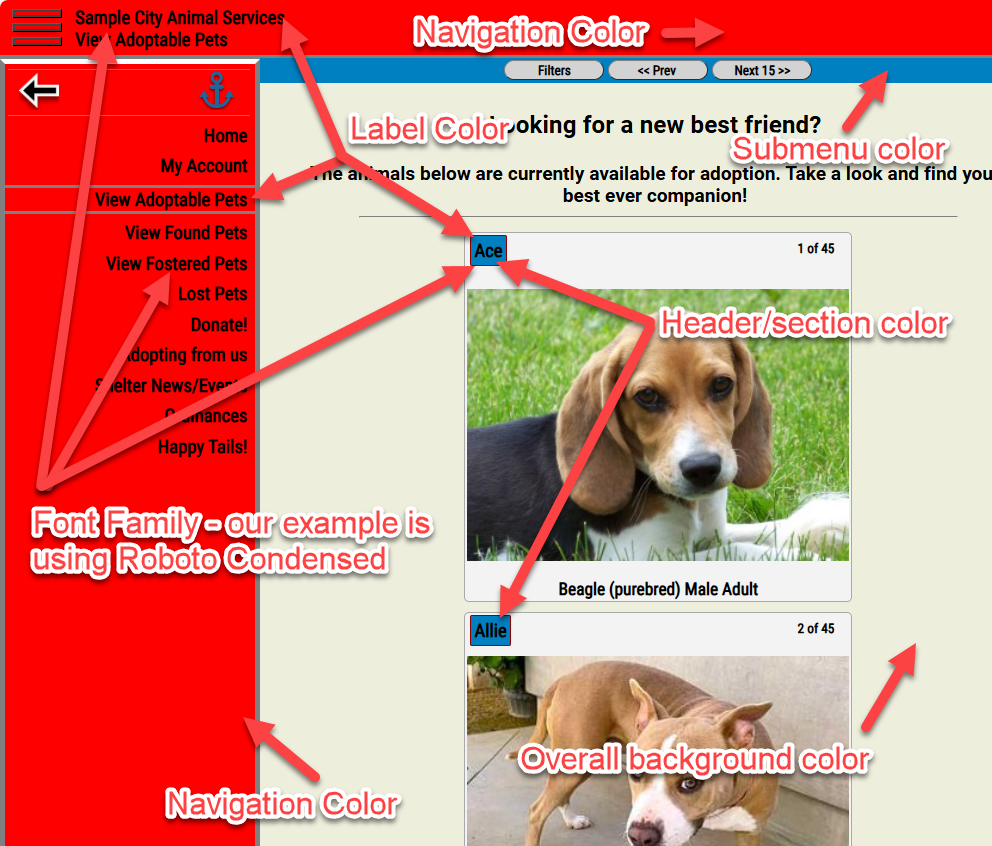
These control the font and various colors that will be rendered.
Next Topic
Comment or report problem with topic